php可以和html、js代码混写,但前提是文件后缀为.php
1、编写一个html页面,要求如下
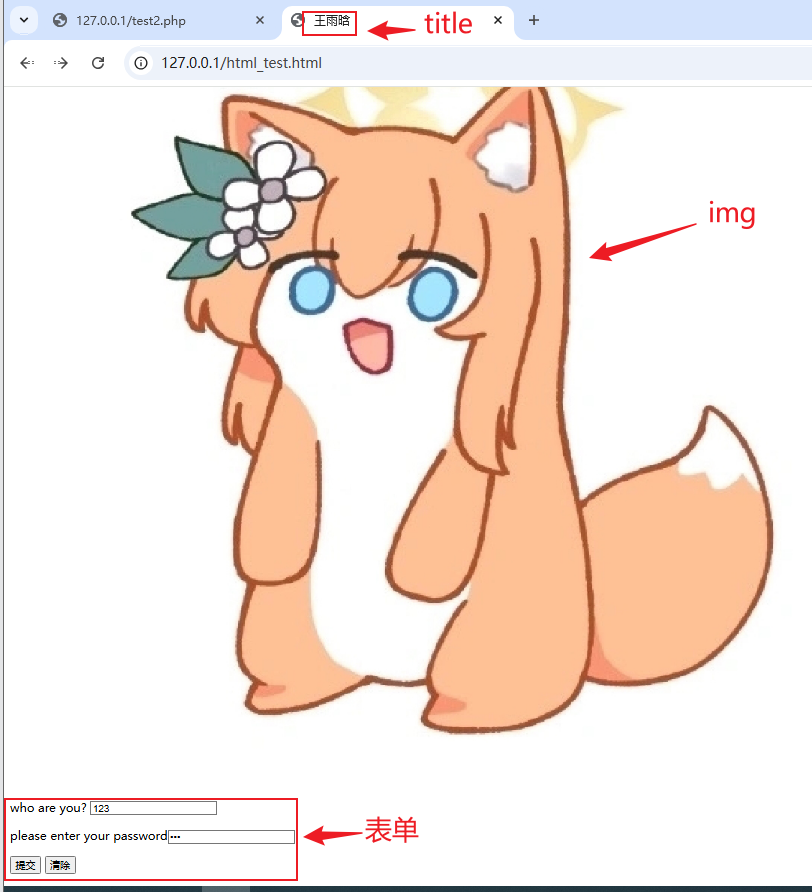
title标签以自己的姓名为值,img标签加载自己任选的一张图片,编写一个form表单,分别使用get和post向服务器发送名称为name和pass的数据
<!DOCTYPE html>
<html>
<head>
<meta name="viewport" content="width=device-width, initial-scale=1">
<meta charset="UTF-8" />
<title>王雨晗</title>
</head>
<body>
<img src="./lib/mali.jpg" alt="这是一个图片,为什么没加载呢" title="图片(假)">
<form method="get" action="test2.php">
<p>
<label for="name">who are you?</label>
<input name="name" type="text" size="20px" maxlength="20" />
</p>
<p>
please enter your password<input name="password" type="password" size="20px" >
</p>
<p>
<input type="submit" name="button" value="提交" >
<input type="reset" name="reset" value="清除" >
</p>
</form>
</body>
</html>
|
html页面
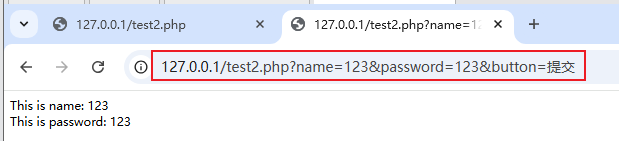
get提交表单
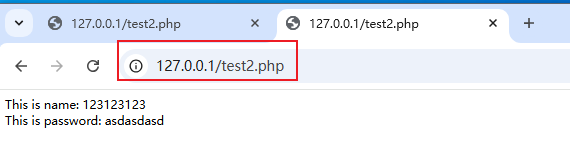
post提交表单
2、使用php定义一个以自己姓名缩写为名称的变量,存储自己的姓名全拼
<?php
	$WYH = "wangyuhan";
	echo $WYH;
?>
|
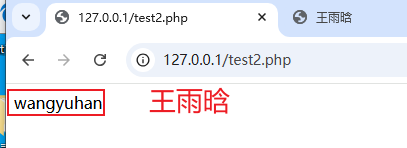
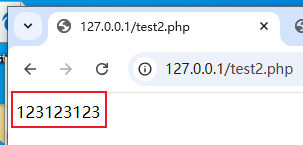
3、尝试修改第二题创建的变量值为int类型并打印
<?php
	$WYH = 123123123;
	echo $WYH;
?>
|
4、演示可变变量的作用(演示两个$符号的作用并且解释)
<?php
	$marisa = "aya";
	$aya = "ayaaaaaa";
	$$marisa = "koi";
	echo $aya;
?>
|
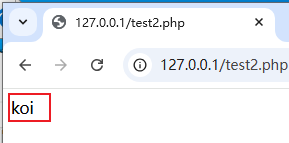
为什么最后输出变量 aya 的值为 koi 而不是 ayaaaaaa
- $marisa = “aya”;赋予变量 $marisa 的值为字符串 aya
- $aya = “ayaaaaaa”;赋予变量 $aya 的值为字符串 ayaaaaaa
- $$marisa = “koi”;由于变量 $marisa 已经被赋值为 aya,这段代码可以理解为$aya = “koi”; 给变量 $aya 进行了一次重新赋值,值为 “koi”
- 最后输出变量 $aya 的值就为 koi
5、接受第一题get方法传输的name和pass变量,输出到页面上
<?php
$inf_get_name = $_GET['name'];
$inf_get_passwd = $_GET['password'];
echo "This is name: " . $inf_get_name;
echo "<br>";
echo "This is password: " . $inf_get_passwd;
?>
|
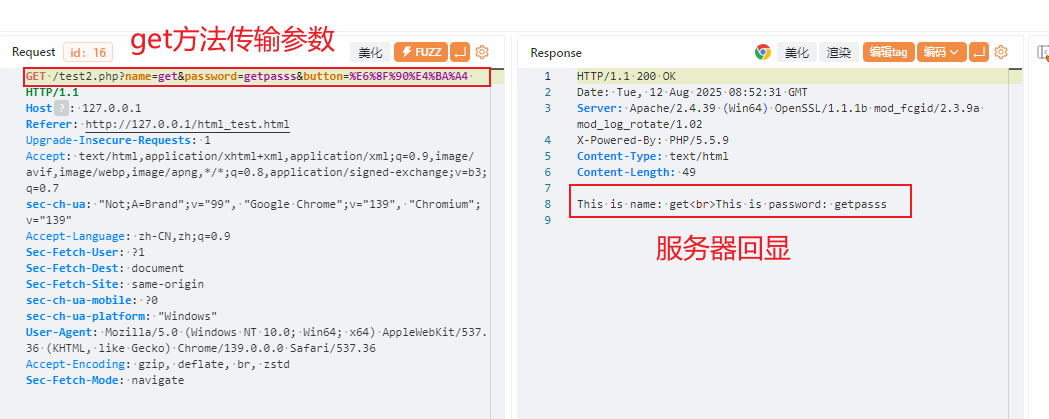
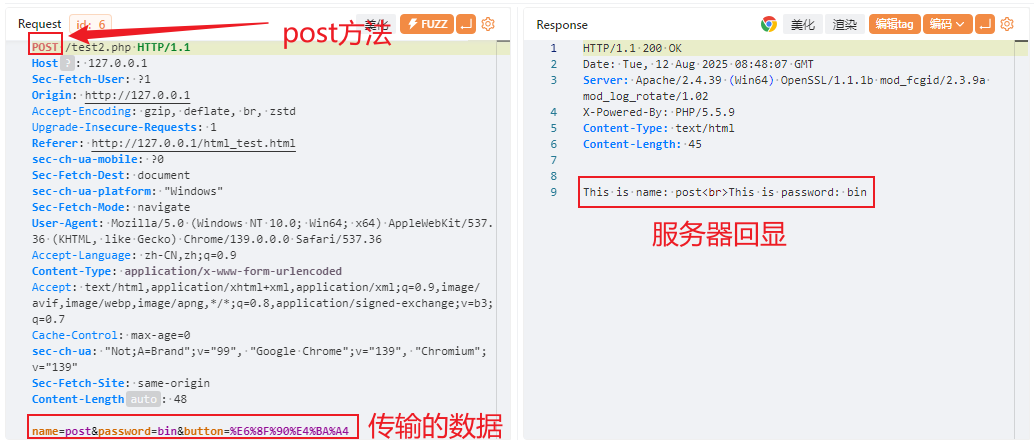
6、使用burp或者yakit抓取自己form表单发送的get和post数据,观察区别
get方法
get方法传输数据会将数据拼接在url后,在浏览器地址栏可见,并且长度受协议限制。
post方法
post方法传输数据,数据放在http请求体中,在浏览器地址栏不可见,长度不受协议限制。
7、将当天笔记所有的代码编写一遍,熟悉概念
扩展
1、接收post方法传递的数据并且输出到页面上
<?php
$inf_post_name = $_POST['name'];
$inf_post_passwd = $_POST['password'];
echo "This is name: " . $inf_get_name;
echo "<br>";
echo "This is password: " . $inf_get_passwd;
?>
|